To create an account as an organizer is easy and fast and allows you to:
- Manage all events, of which you are organizer
- Follow bands and events
- Bulk download the concert photos from your event
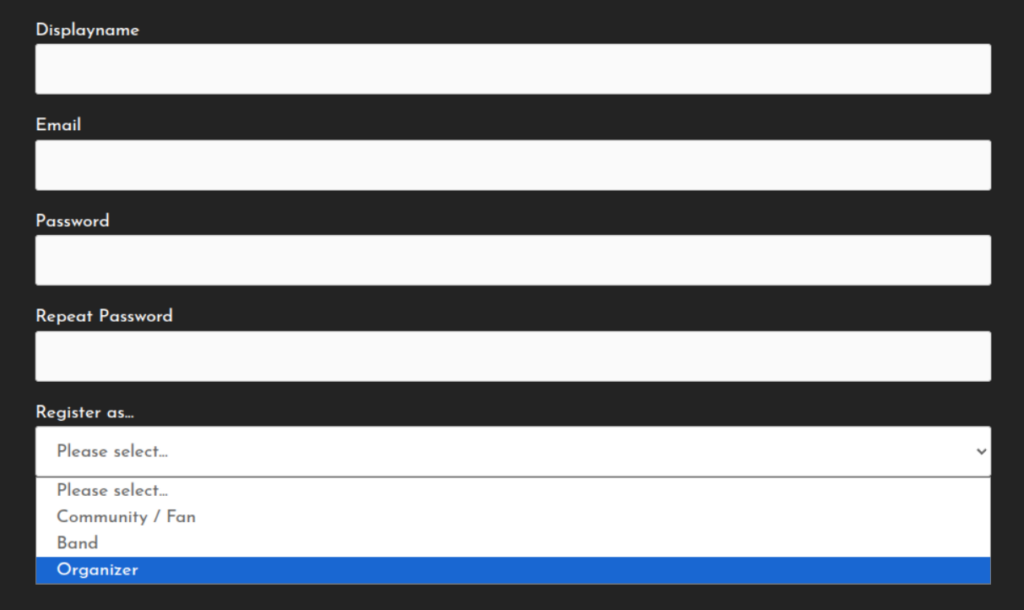
First, head over to the sign-up page and enter your name, email and password. Select „Organizer“ in the Register as… field
After sign up, you will get an email to confirm your account. Once confirmed you are able to log-in and define the organizer details.
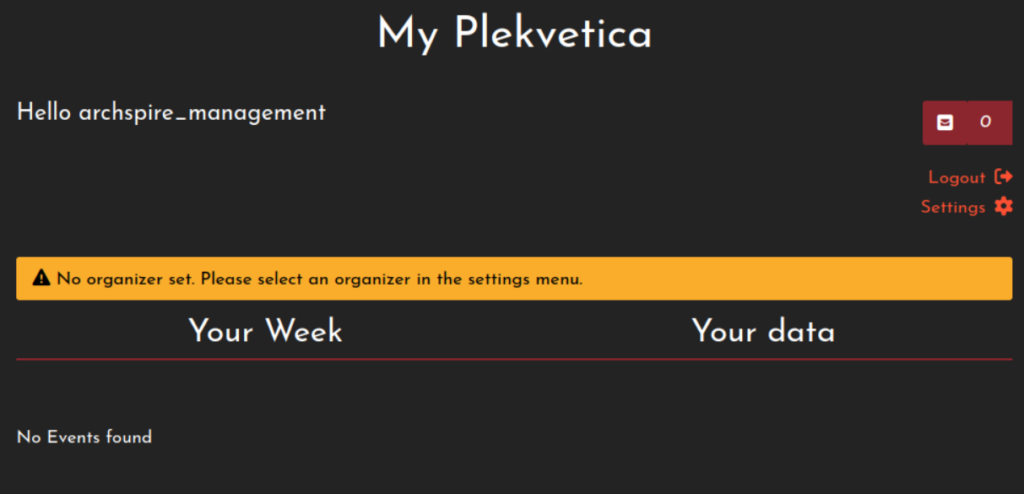
Navigate to https://plekvetica.ch/my-plekvetica and select „Settings“. On this page, you can set your name, change passwords, and choose, what notifications you would like to receive.
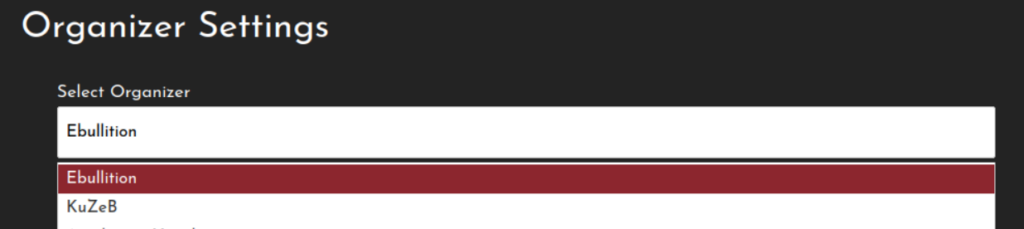
As an organizer, you can choose a organizer to manage. Just select it from the list. If it is not available, create an Event first, and add your organizer details there.
After you saved the organizer, reload the page to see and edit the details.